Digital signage
Indoor and outdoor signage lines, from wall panels to floor-standing totems.
View the lineVelmora · Commercial display hardware
RANGE — SIGNAGE · TABLETS · NOTEBOOKS · KIOSKS · POS · MIRRORS · FRAMES · MONITORS
Velmora is the export brand of a Shenzhen display hardware maker founded in 2003. The range below is the working catalogue for importers, resellers and project contractors: every line is a hardware line the factory builds today, and every product page states only the figures the manufacturer's own listings support.
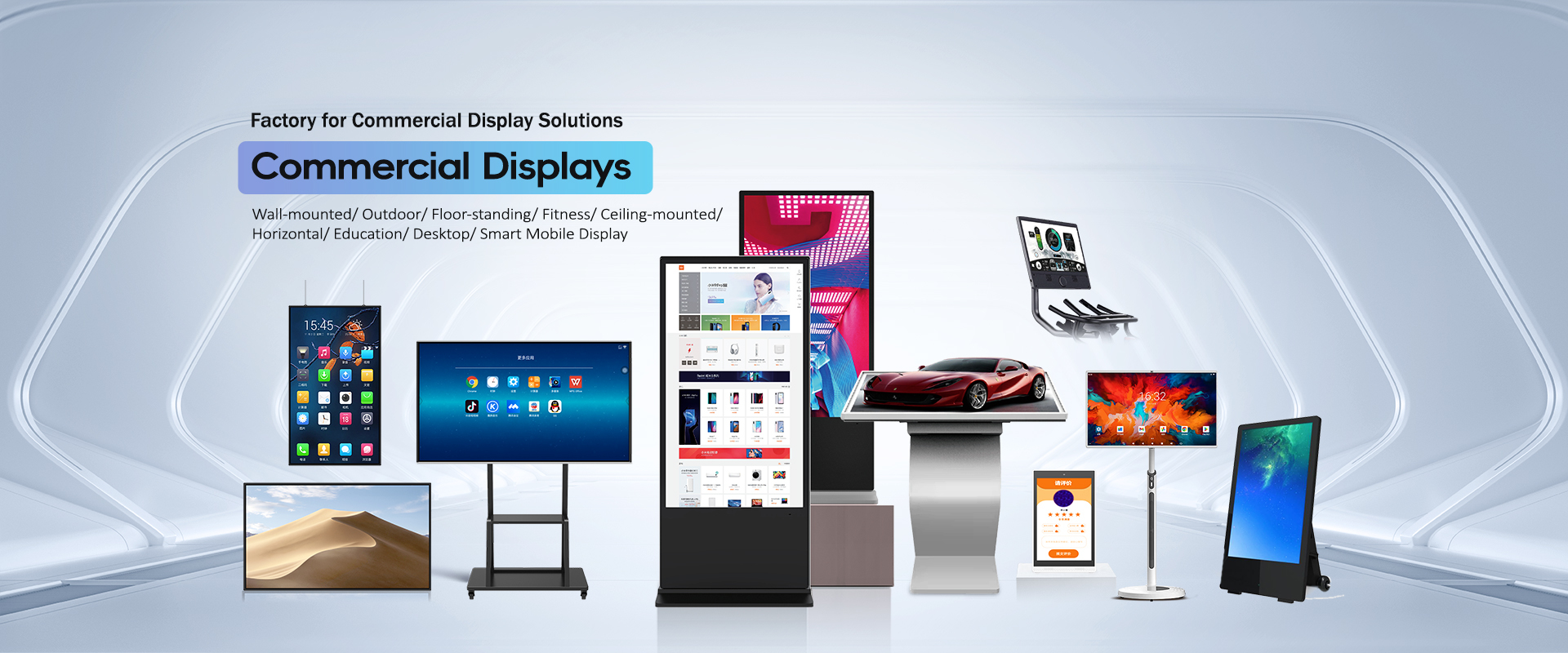
Signage is the core of the range. The indoor lines cover wall-mounted, floor-standing and desktop displays for stores, lobbies and campuses, while the outdoor series is built as a separate high-brightness line with its own model pages, so you can check the figures that matter for a sunlit site before you commit to a quantity.
Indoor and outdoor signage lines, from wall panels to floor-standing totems.
View the line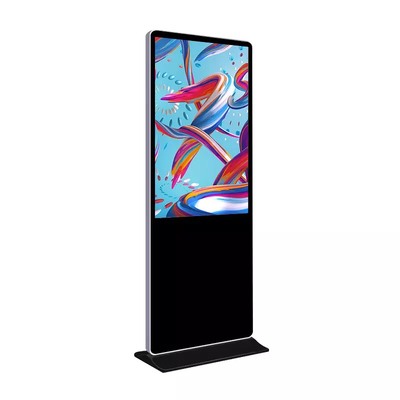
A dedicated outdoor category with a four-size series for daylight sites.
View the line
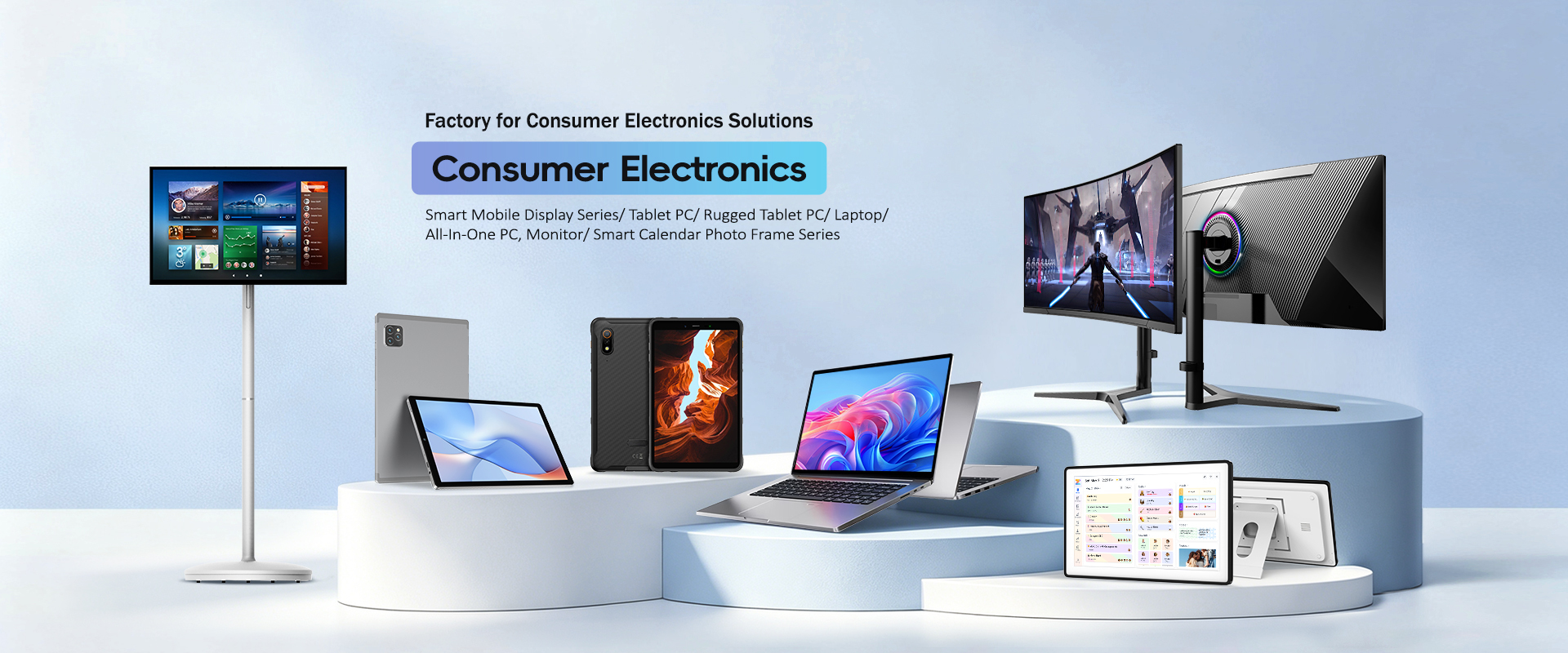
Two computing lines sit alongside the displays. The tablet range is anchored by a 13.3 inch Android model with published configuration options, and the notebook range is built around classroom projects, with a 14.1 inch education laptop as the reference model. Both lines are dual-sourced in the manufacturer's own channels, which is why they carry full model pages rather than catalogue mentions.
Buyers in education usually meet these two lines together: tablets for individual learners, laptops where a keyboard and a larger working screen matter. The model pages keep the published configuration figures together — screen, memory and storage options, battery — so a programme manager can cost a classroom set without chasing a separate datasheet for each claim.
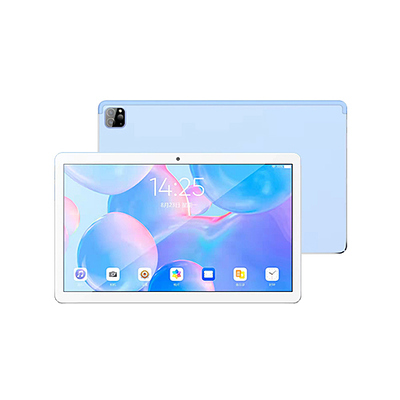
Tablet PCs for education and business rollouts, with the 133MA-L as the documented model.
View the line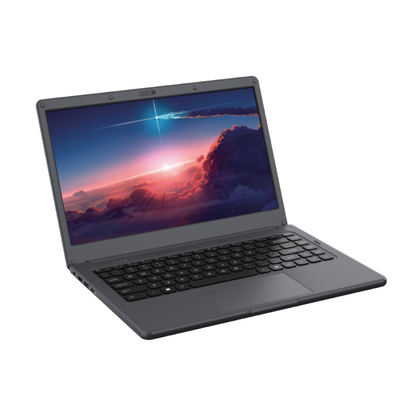
Notebooks in the 14 to 17.3 inch band for schools and training projects.
View the line
Self-service hardware is the third block: ordering and information kiosks, counter POS terminals and smart mirrors. These are the lines restaurants, retailers and hotels ask about most, and they are also the lines where configuration questions matter most, so each category page lists what to settle in the inquiry before pricing is meaningful.
The kiosk line includes a dual-screen self-ordering model sized for restaurant counters, and the category page walks through the peripherals and payment questions that decide whether a kiosk quote is complete. POS terminals and smart mirrors sit in the same project conversations often enough that the three lines share one shortlist in most inquiries we see described by buyers.
Ordering and information kiosks, including a dual-screen self-ordering model.
View the line

The remaining lines round out the catalogue: smart calendar frames in four sizes that double as digital photo frames, a three-size smart monitor series, and a portable 32 inch touch display on a stand for rooms that change layout often. Each line has its own category page and, where the manufacturer publishes model-level facts, its own model pages.
These are the lines buyers most often underestimate in an inquiry: a calendar frame order turns on which sizes go to which rooms, and a smart monitor order turns on whether the smart layer or the panel is doing the work. The category pages separate those questions so the quotation prices the right thing the first time.
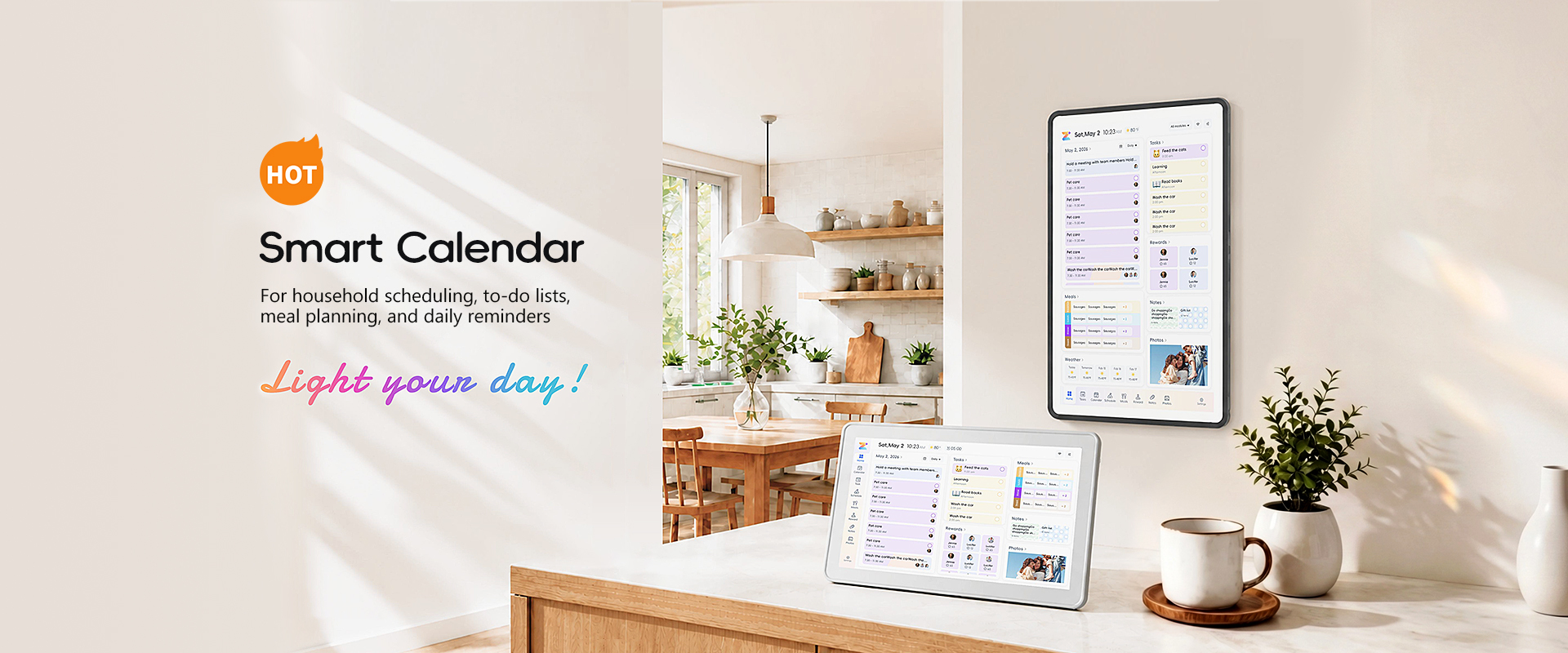
PF series frames from 10.1 to 27 inches for homes, offices and care settings.
View the line
MS series monitors in 24, 27 and 32 inch sizes with a smart display layer.
View the line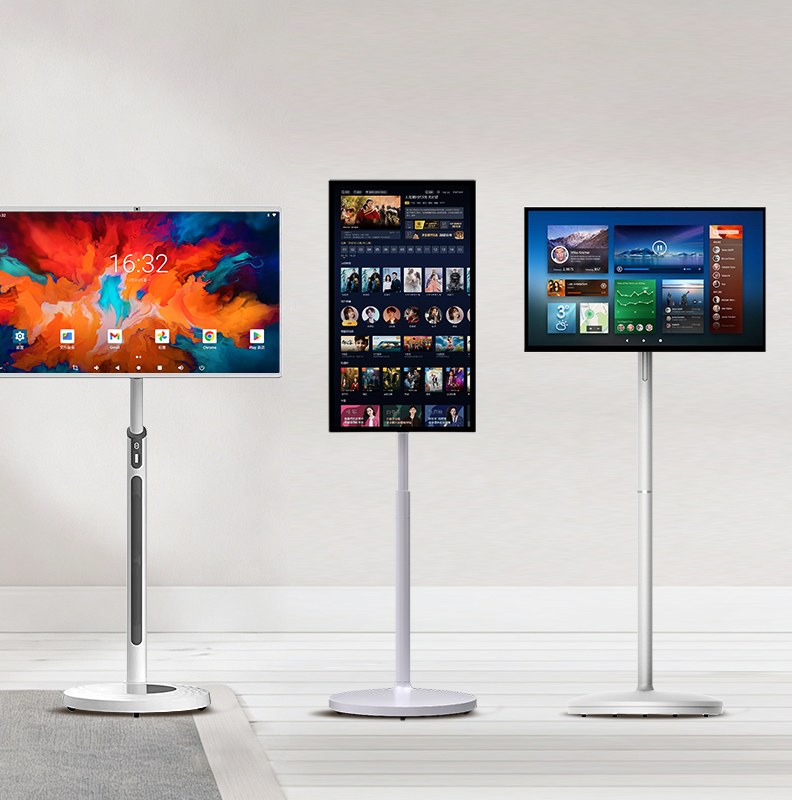
Four short guides collect the questions buyers ask most, so you can settle the decisions that belong to you before the inquiry starts:
Display hardware is configuration business: the same model name can ship with different panels, memory or mounting. The fastest route to an accurate quotation is to settle the points below in your first inquiry rather than after a price has been quoted against the wrong build.
None of these points requires a technical department to answer. They are the commercial facts of your own project — what you are buying, how many, for which market, by when — and a supplier who receives them in the first message can answer with a quotation instead of a questionnaire. That is the whole purpose of the confirmation list: it moves the questions that decide the price to the front of the conversation, where they are cheap.
Nothing on this site is priced like a retail listing, and that is deliberate. Project buyers order configurations, not single units off a shelf: a signage rollout mixes sizes, a school programme fixes one laptop build for a whole cohort, a restaurant group standardises one kiosk across branches. The catalogue is organised to support that way of buying — lines first, then series, then the models with published figures — so a shortlist can be built in one pass and priced in one quotation.
It also means some familiar retail furniture is missing on purpose. There are no star ratings, no stock counters and no sale banners, because none of those would tell a project buyer anything true about the hardware. What replaces them is the confirmation discipline on every page: the figures that are published, the questions that are not, and a sales team that answers in writing.
If you import or resell display hardware, the catalogue is organised the way your own customers buy: by line and size first, by model where the manufacturer publishes one. That makes range planning a single exercise — choose the lines your channel serves, anchor each with its documented models, and let the category pages carry the families that sell by configuration. The series pages are built for that planning moment: one table per series, every size in it, nothing dressed up beyond the published facts.
Private questions that recur in channel buying — packaging, labelling, documentation for a target market — are quotation questions, and they are answered per order in writing. Ask for model-specific test reports and declarations for your target market before ordering, and name the market in the inquiry so the reply covers the paperwork your customers will ask you for.
| Line | Anchor product or series | Start here |
|---|---|---|
| Digital signage | Indoor lines plus the KS-IOT049RO outdoor series | /digital-signage/ |
| Tablets | 133MA-L 13.3 inch Android tablet | /tablets/133ma-l-android-tablet/ |
| Notebooks | EB-i141PD1 14.1 inch education laptop | /notebooks/eb-i141pd1-education-laptop/ |
| Kiosks | 15.6 inch dual-screen self-ordering kiosk | /self-service-kiosks/ |
| Calendar frames | PF series, 10.1 to 27 inches | /smart-calendar-frames/pf-series/ |
| Smart monitors | MS series, 24 to 32 inches | /smart-monitors/ms-series/ |
Model names and sizes in this table are the ones the manufacturer's own listings publish. Anything beyond them — a panel option, a memory configuration, a mounting variant — is settled in the quotation, not assumed from the table.
Send the inquiry form with the line, sizes and quantities you are working on. The sales team replies with a written quotation that states the configuration being priced, so you can compare like with like across suppliers. If a figure is not printed on a product page, treat it as a question for that quotation rather than as a catalogue fact: the pages here publish only what the manufacturer's own listings state, and the quotation is where order-specific terms are confirmed.
That discipline runs through the whole site. Category pages describe the shape of a line and the questions that decide a purchase; series pages collect the named models; model pages print the figures the source publishes for that model and nothing else. Where a figure would help but is not published — a panel option, a battery variant, an enclosure rating — the page says what to ask instead of filling the gap with a plausible number.
Send the inquiry form and get a written quotation
Tell us the product line, sizes and quantities in the inquiry form and the sales team will reply with a written quotation.