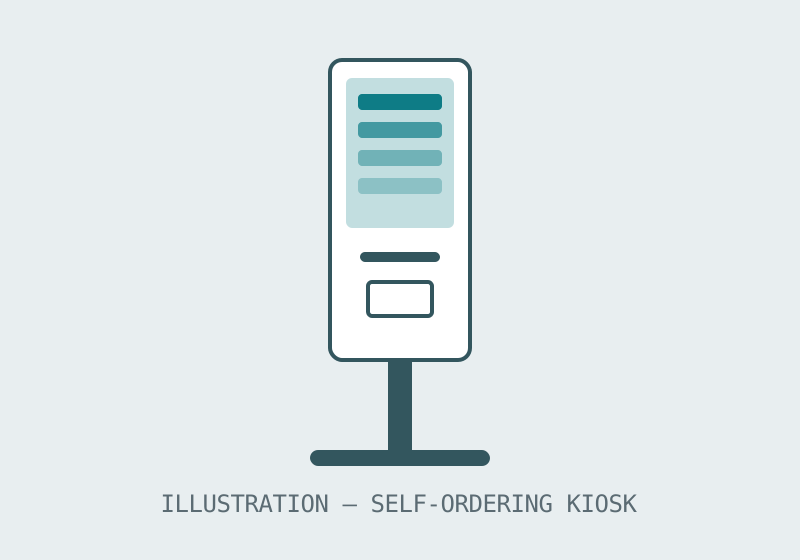
Self-service kiosks
LINE — ORDERING KIOSKS · INFORMATION KIOSKS · DUAL-SCREEN MODEL
Ordering and information kiosks for restaurants, retail, hospitality and public venues. The line's documented anchor is a 15.6 inch dual-screen self-ordering kiosk; the category page explains the kiosk types and the configuration questions that decide a working installation.
At a glance
- Types
- Self-ordering · information · self-service
- Anchor model
- 15.6 inch dual-screen kiosk
- Settings
- Restaurants · retail · venues
- Pricing
- By quotation, per configuration
Ordering and information kiosks
A kiosk is a system, not a screen: the display, the stand or counter mount, the payment path and the software handoff all have to line up before the first customer touches it. This line covers self-ordering kiosks for food and retail, information kiosks for venues and public buildings, and self-service terminals for ticketing and check-in style tasks. The dual-screen model documented on its own page puts one screen to the customer and one to the operation, which is the layout fast-food and quick-service counters ask for most.
The buying guide for this line is written as a checklist rather than a sales pitch, because most failed kiosk projects fail on an unasked question — a missing peripheral, an unconfirmed payment route — rather than on the screen itself.
Specification summary
| Kiosk type | Typical setting | What to settle first |
|---|---|---|
| Self-ordering | Restaurants, quick-service, retail | Payment route and printer peripherals |
| Dual-screen ordering | Counters with staff on the second screen | Which screen faces the customer |
| Information | Venues, campuses, public buildings | Floor-standing or wall placement |
| Self-service | Ticketing and check-in tasks | The task flow the terminal must complete |
Kiosk formats beyond the counter
The dual-screen counter model is the documented anchor, but the family's formats divide by where the queue lives: counter units where a counter already exists, floor-standing units where the kiosk is the destination, wall units where floor space is the constraint. The format follows the room's traffic, not the catalogue's order — photograph the intended position and let the quotation answer the format question against the real site.
Software and service questions
A kiosk is hardware wrapped around someone else's software, and the honest buying conversation includes that fact: whose application runs on it, who updates it, and what the unit does when the network drops are questions to settle before the hardware is priced, because they decide configuration. Raise them in the first inquiry; a supplier who answers them plainly is telling you how the installation will feel in month six.
Before you order
- Describe the task the kiosk completes end to end, not just the screen you want.
- Tell us your target quantity and configuration so we can confirm the minimum order for your project.
- Confirm the peripheral list — printer, scanner, payment device — in the inquiry so the quotation prices the whole unit.