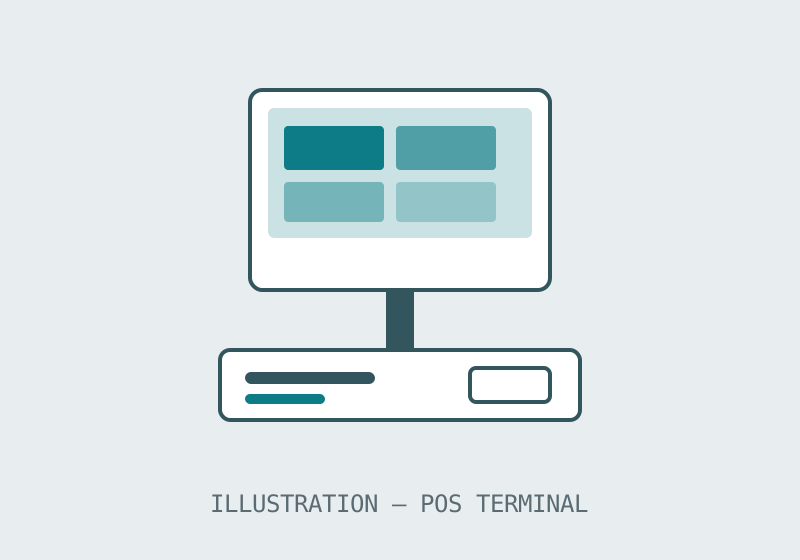
POS terminals
LINE — SMART POS · CASH REGISTERS · RETAIL AND HOSPITALITY COUNTERS
Point-of-sale terminals are the hardest-working screens in a shop: touched all day, surrounded by peripherals, and useless the moment any part of the chain stops. This line covers smart POS terminals and cash-register hardware for retail and hospitality counters.
At a glance
- Forms
- Smart POS terminals · cash registers
- Settings
- Retail · hospitality · services
- Decides the quote
- Peripherals and counter fit
- Pricing
- By quotation, per configuration
Counter terminals for retail and hospitality
A POS terminal is bought as a working position, not as a screen: terminal, receipt printer, cash drawer, scanner and payment device have to arrive as one compatible set. This line is published at family level — smart POS terminals and cash-register hardware — so the category page concentrates on the counter decisions: footprint where space is scarce, a second screen where the customer needs to see the bill, and the peripheral list that has to be confirmed before a price means anything.
The buying guide works through those decisions in the order a shop actually meets them, and the small-retail article on the blog shows the same logic at single-counter scale.
Specification summary
| Counter job | Terminal answer | Confirm in the inquiry |
|---|---|---|
| Single till, small shop | Compact smart POS terminal | Printer and drawer pairing |
| Customer-facing billing | Terminal with customer display | Which totals the customer must see |
| Cash-heavy retail | Cash-register configuration | Drawer and cash handling layout |
| Hospitality counter | POS terminal at the pass or bar | Spill and cleaning routine at the site |
Terminal positions across a shop estate
Multi-site retailers standardise the till position the way chains standardise the kiosk: one terminal form, one peripheral set, one layout, so staff moving between branches meet the same counter everywhere. The category decision — which terminal family anchors the estate — is therefore worth making once, carefully, with the busiest store's counter as the reference rather than the quietest.
When the till meets the kiosk
POS and kiosk lines meet in the same stores more often every year: the kiosk absorbs the standardised flow, the terminal keeps the exceptions, the payments and the human welcome. Planning the two positions together — shared peripherals logic, one supplier conversation — is cheaper than discovering their relationship after both are installed.
Before you order
- List every peripheral the position needs; the quotation should price the whole working position.
- Tell us your target quantity and configuration so we can confirm the minimum order for your project.
- Measure the counter: depth and cable routes decide which terminal form fits.