Self-ordering kiosk buying guide
GUIDE — TASK FLOW · PERIPHERALS · PAYMENT · PLACEMENT
Kiosk projects rarely fail on the screen. They fail on the question nobody asked — the printer that was not in the quote, the payment route that was never confirmed. This guide is the checklist version: work it in order and the quotation you receive will price a working installation.
At a glance
- Start with
- The task flow
- Then
- Peripherals + payment
- Format anchor
- 15.6 inch dual-screen
- Output
- A complete quotation
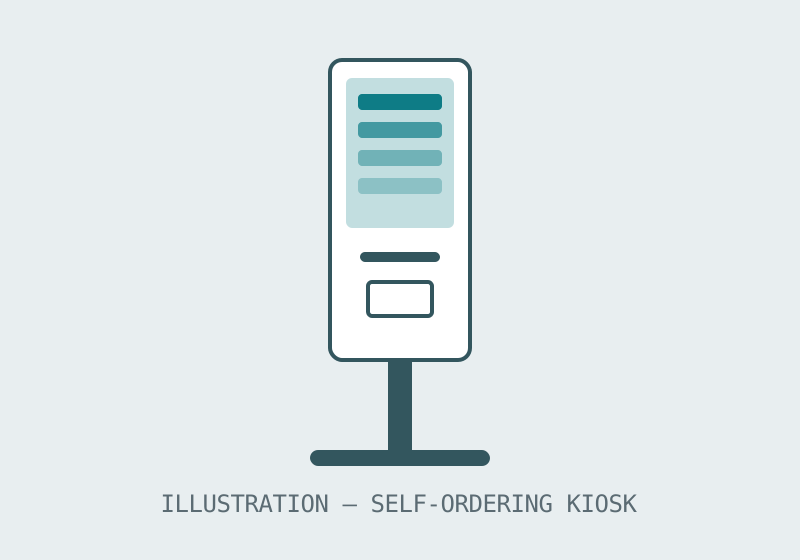
What an ordering kiosk has to do
Write the kiosk's job as a flow before you look at any hardware: the customer arrives, sees the menu, builds an order, pays, and the order reaches whoever fulfils it — with a receipt or a number to wait for. Every step is a requirement. A kiosk that cannot complete the flow at your counter is furniture, however good its screen looks, so the first buying decision is not a model; it is an honest description of the flow, including the awkward steps: out-of-stock items, order changes, refunds, accessibility for customers who cannot use a touchscreen.
The flow also decides the format. A single screen suits simple, linear orders. The dual-screen format — documented on this site as a 15.6 inch model — puts the customer's order on one face and the operation's view on the other, which suits counters where staff assemble orders as they arrive. Floor-standing formats suit venues where the kiosk is the destination; counter formats suit shops where the kiosk joins an existing counter line.
The configuration checklist
| Question | Why it changes the quote | Settle it by |
|---|---|---|
| Payment route | Card device, QR flow or pay-at-till are different builds | Naming how customers actually pay today |
| Receipt and ticket printing | Printer presence and placement alter the unit | Deciding what the customer walks away holding |
| Order destination | Kitchen display, POS or paper flow | Tracing the flow past the kiosk |
| Peripherals | Scanners and readers are options, not defaults | Listing every device at the position |
| Placement and power | Floor, counter or wall decides format and cabling | Photographing the intended position |
Notice what is not on the checklist: a screen-size argument. Screen size matters — it is set by the menu's density and the customer's reading distance — but it is the most reversible decision in the project and the least likely to sink it. Buyers who start from the flow reach the size question with the information to answer it; buyers who start from a screen size often reach the peripheral questions after the units arrive.
Rollout thinking for multi-site buyers
A chain or franchise rollout adds one more discipline: standardise the whole position, not just the kiosk. The same unit, the same peripheral set and the same flow at every branch is what turns a kiosk programme into shorter queues everywhere; a per-branch variation turns it into a support problem with many authors. Cost the standard position once, in one inquiry that lists the sites, and let the quotation hold it constant.
Before you order
- Write the order flow end to end, including payment and fulfilment.
- List every peripheral the position needs, so the quotation prices the working position.
- Tell us your target quantity and configuration so we can confirm the minimum order for your project.
- For rollouts, name the site count and keep the position standard across them.