POS terminal buying guide
GUIDE — COUNTER FIT · PERIPHERALS · CUSTOMER DISPLAY
A POS terminal is bought once and touched ten thousand times. This guide covers the decisions that decide whether the position works at hour one and hour one thousand: counter fit, the peripheral set, and what the customer needs to see.
At a glance
- Buy
- A working position
- Not just
- A screen
- Decides it
- Peripherals + counter fit
- Users
- Staff and customers
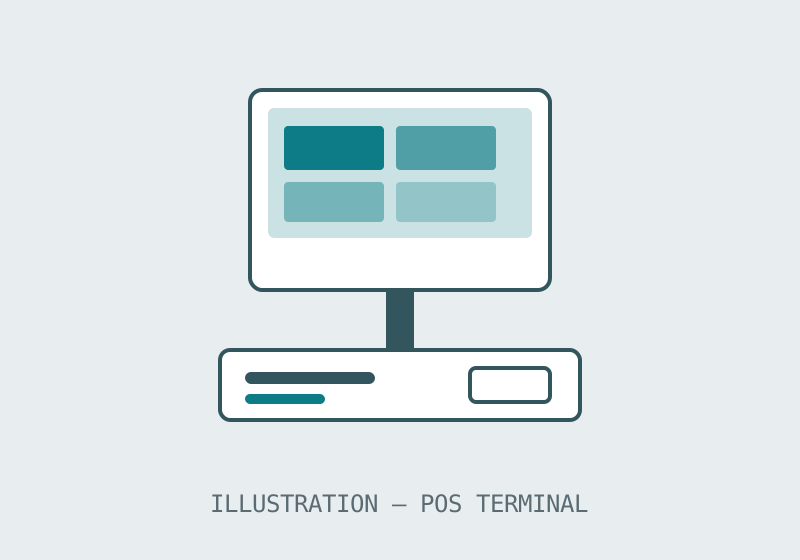
What a POS terminal has to handle
Start with the position's day, not the product list. A working POS position scans, totals, takes payment in the forms your customers actually use, prints or sends receipts, opens the drawer, and does it again without the queue noticing the technology. The terminal is the visible part of that chain; the buying mistakes happen in the invisible parts — a peripheral set that was assumed rather than listed, a counter too shallow for the footprint, a customer who cannot see the total they are paying.
This line is published at family level — smart POS terminals and cash-register hardware — so this guide's job is to make your inquiry precise. A precise inquiry gets a quotation for a working position; a vague one gets a price for a screen, and the difference is discovered at installation.
The counter-fit questions
| Question | Why it matters | How to answer it |
|---|---|---|
| Counter depth and cable routes | Decides terminal form and mounting | Measure the counter, photograph the position |
| Peripheral set | Printer, drawer, scanner and payment device must pair with the terminal | List every device at the position |
| Customer visibility | Many counters need the customer to see totals | Decide if a customer-facing display is required |
| Peak load | The position is judged at the busiest hour | Describe the queue the position serves |
| Cleaning and spills | Hospitality counters punish exposed hardware | State the environment honestly |
The customer-display question deserves its own sentence, because it is the one most often settled by habit. Where customers pay without seeing a total, disputes and abandoned sales follow; where a second display is fitted, it has to be specified, not improvised. If your counter takes payment face to face, put the customer display in the inquiry as a requirement and let the quotation answer it directly.
Terminals and kiosks: where the line sits
Some counters should graduate to a kiosk: when the queue's job is standardised — order, pay, collect a number — a self-ordering unit takes the flow off the staffed till entirely, and the POS position shrinks back to payment exceptions and fulfilment. The kiosk guide covers that end of the counter. Most small retailers land in between: a well-specified terminal position now, with the kiosk question revisited when the queue proves it. Buying the terminal position properly first makes that second step cheaper, because the peripherals and habits carry over.
A worked example: the two-position bakery
A bakery with a bread counter and a coffee point has two positions with different jobs. The bread counter is cash-and-wrap work: fast totals, a drawer that opens all day, a customer who watches the scale of the purchase rather than a screen. The coffee point is queue work: orders with modifiers, payments in every form, a collection rhythm. Specified separately — as this guide's questions force — the two positions get different terminal answers and different peripheral sets. Specified as 'two tills', they get one compromise twice, and the coffee queue pays for it every morning.
Before you order
- List the full peripheral set for each position type in your order.
- Measure counters and photograph positions, especially across multiple sites.
- Tell us your target quantity and configuration so we can confirm the minimum order for your project.
- State whether customers must see totals at the position.