All-in-one PCs
LINE — AIO PCS · AIO MONITORS · CONFERENCE ALL-IN-ONE
One screen, one power lead, no separate tower: the all-in-one line covers desktop AIO PCs, AIO monitors and conference all-in-one units for meeting rooms. It is the line buyers choose when the desk or the room has to stay clean and the setup has to stay simple.
At a glance
- Forms
- Desktop AIO · AIO monitor · conference AIO
- Settings
- Desks · meeting rooms · counters
- Setup
- One unit, one power lead
- Pricing
- By quotation, per configuration
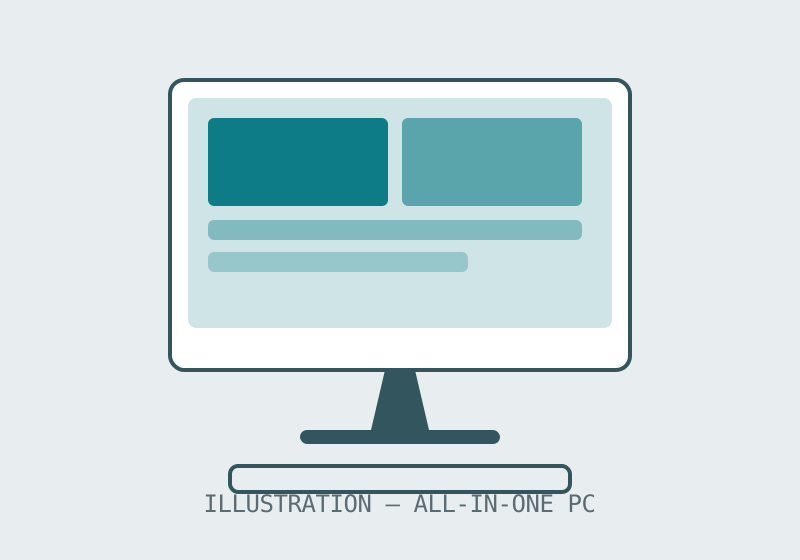
One screen for desk, meeting room and counter
An all-in-one PC folds the computer into the display, which removes the two problems that make ordinary desktops age badly in public spaces: cable clutter and mismatched components. In this range the family covers three settings. Desktop AIOs serve offices and reception desks; AIO monitors pair a display with computing in one unit for counters and workstations; conference all-in-one units put a large shared screen at the centre of a meeting room, which is why the meeting-room article on the blog treats them as room furniture as much as IT.
Because the manufacturer publishes this family at line level rather than as a shelf of named models, this page does not invent model numbers or screen figures for it. The useful decisions — screen size class, touch or non-touch, how the unit mounts — are exactly the questions the inquiry form asks, and the quotation answers them against the builds actually on offer.
Where all-in-one units earn their place
- Reception and service counters, where a tower has nowhere clean to live.
- Meeting rooms that need one shared screen without a separate PC to maintain.
- Training and classroom desks, where identical units simplify support.
- Retail back-offices and hospitality desks with limited counter depth.
The comparison page sets the all-in-one against a conventional desktop honestly, including the cases where the separate desktop still wins — heavy upgrade paths and component-level repair among them.
Before you order
- Say which setting the units are for: desk, counter or meeting room changes the right build.
- Tell us your target quantity and configuration so we can confirm the minimum order for your project.
- Ask which screen sizes and touch options are currently offered for the setting in your inquiry.